
01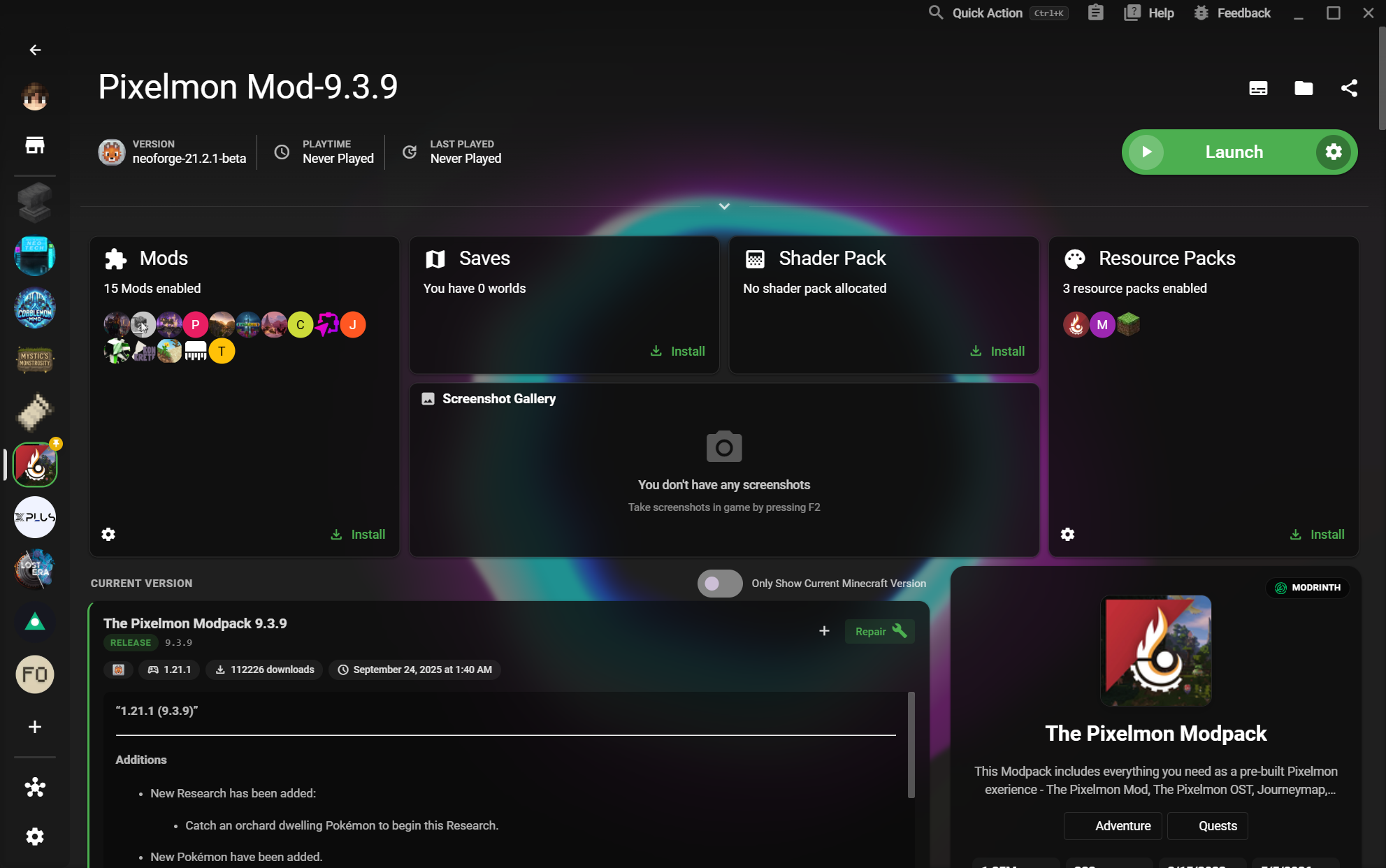
Zorganizowana biblioteka instancji
See vanilla, modded, and experimental worlds together in one launch-ready home.
- See Mods, Saves, and resources at a glance
Poznaj procesy ułatwiające tworzenie, zrozumienie i udostępnianie zmodyfikowanych konfiguracji Minecraft.
See vanilla, modded, and experimental worlds together in one launch-ready home.
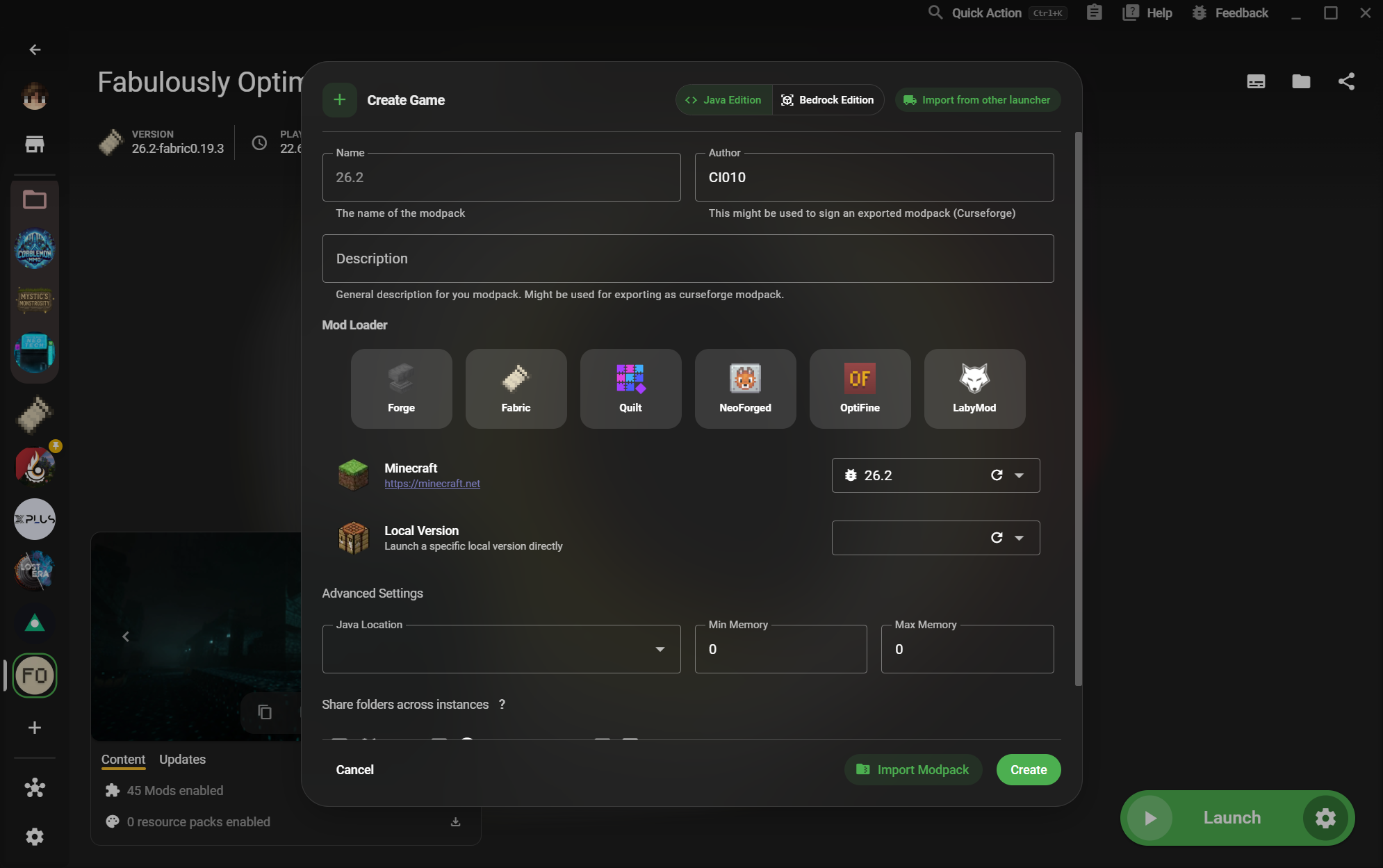
Start a new setup with the loader and edition that matches the world you want to play.
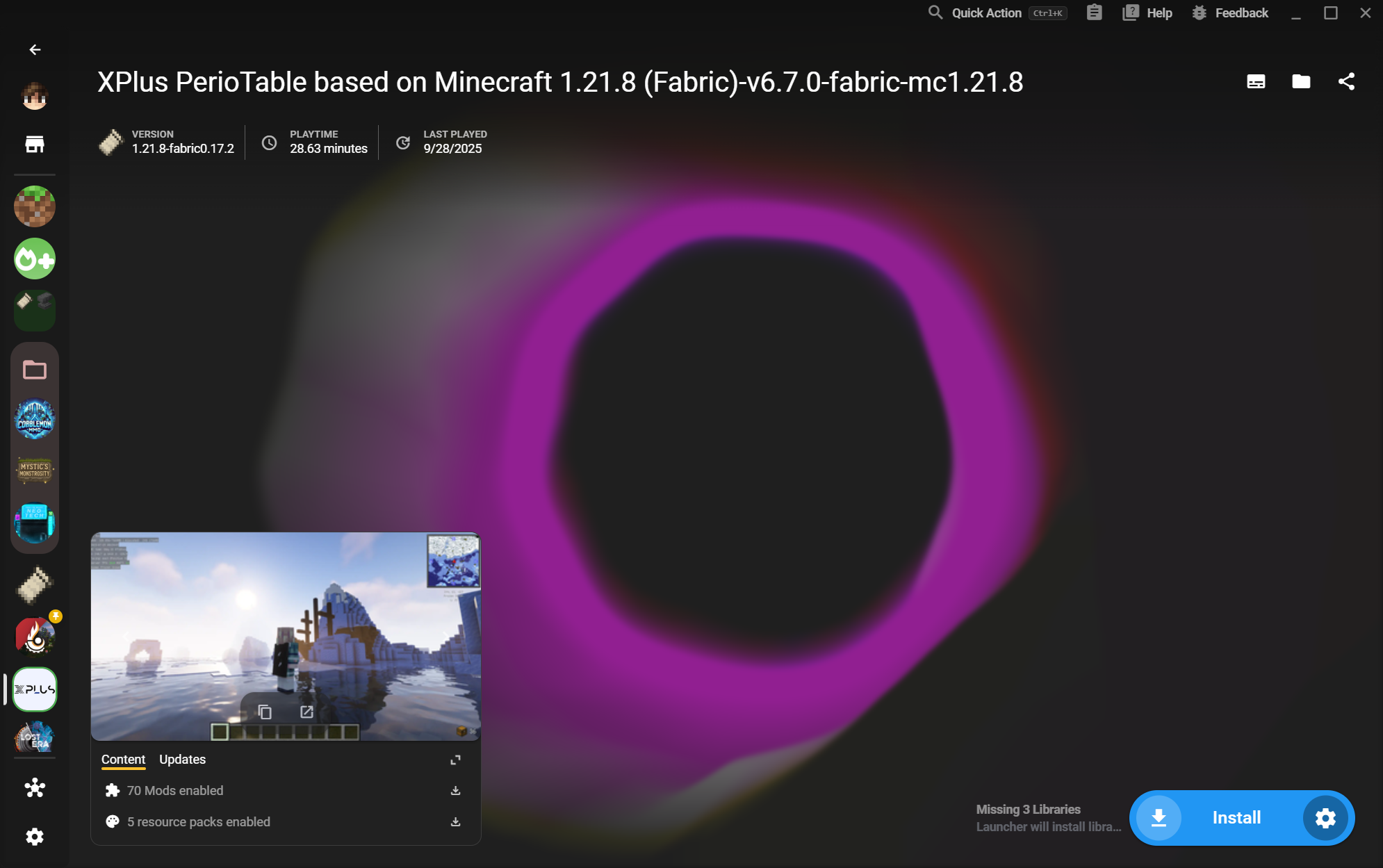
Arrange many instances into folders so different worlds and setups stay easy to scan.
Tune Java, memory, versions, loaders, and launch behavior without touching another setup.
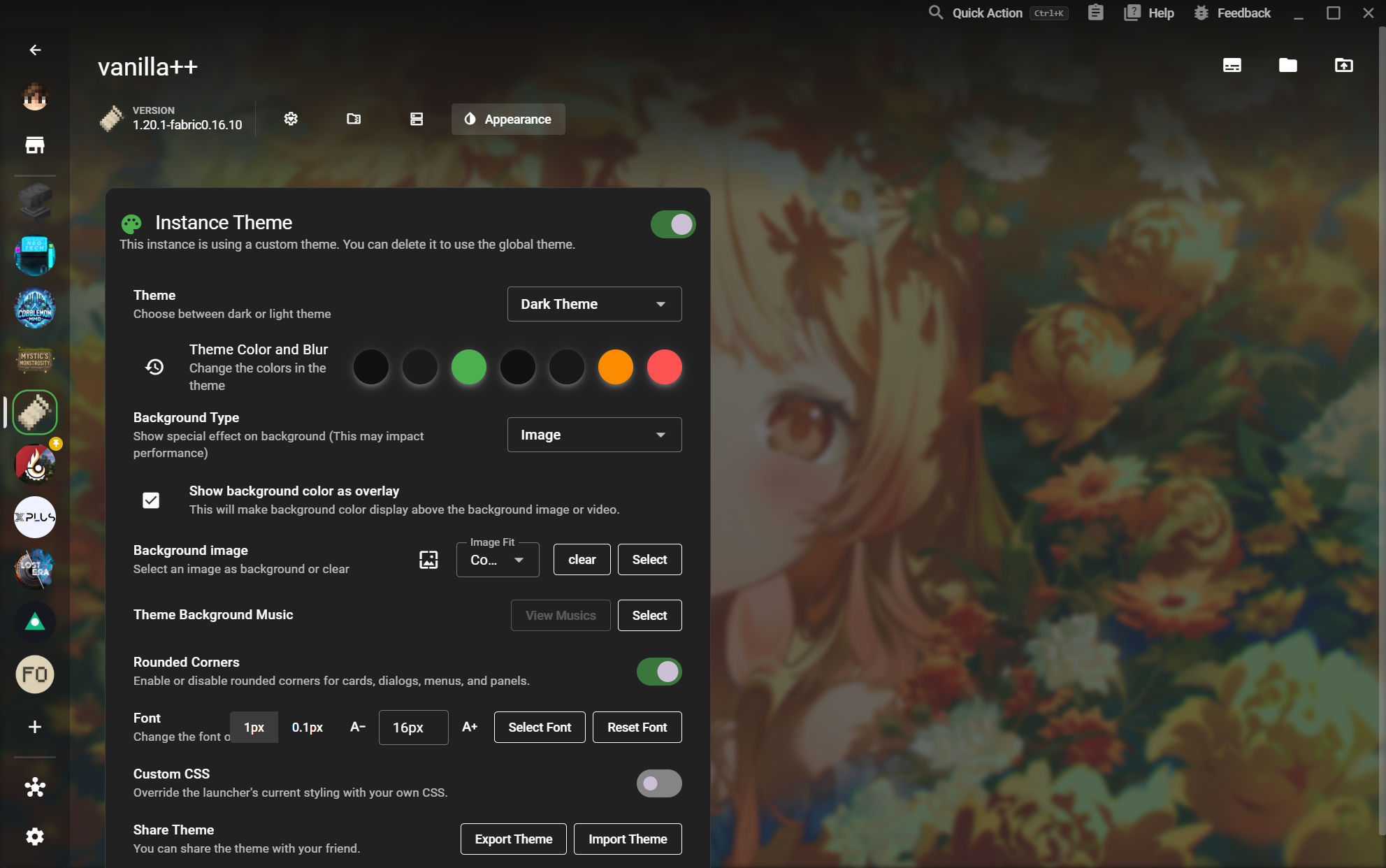
Give each world its own identity with backgrounds, colors, blur, fonts, and custom CSS.
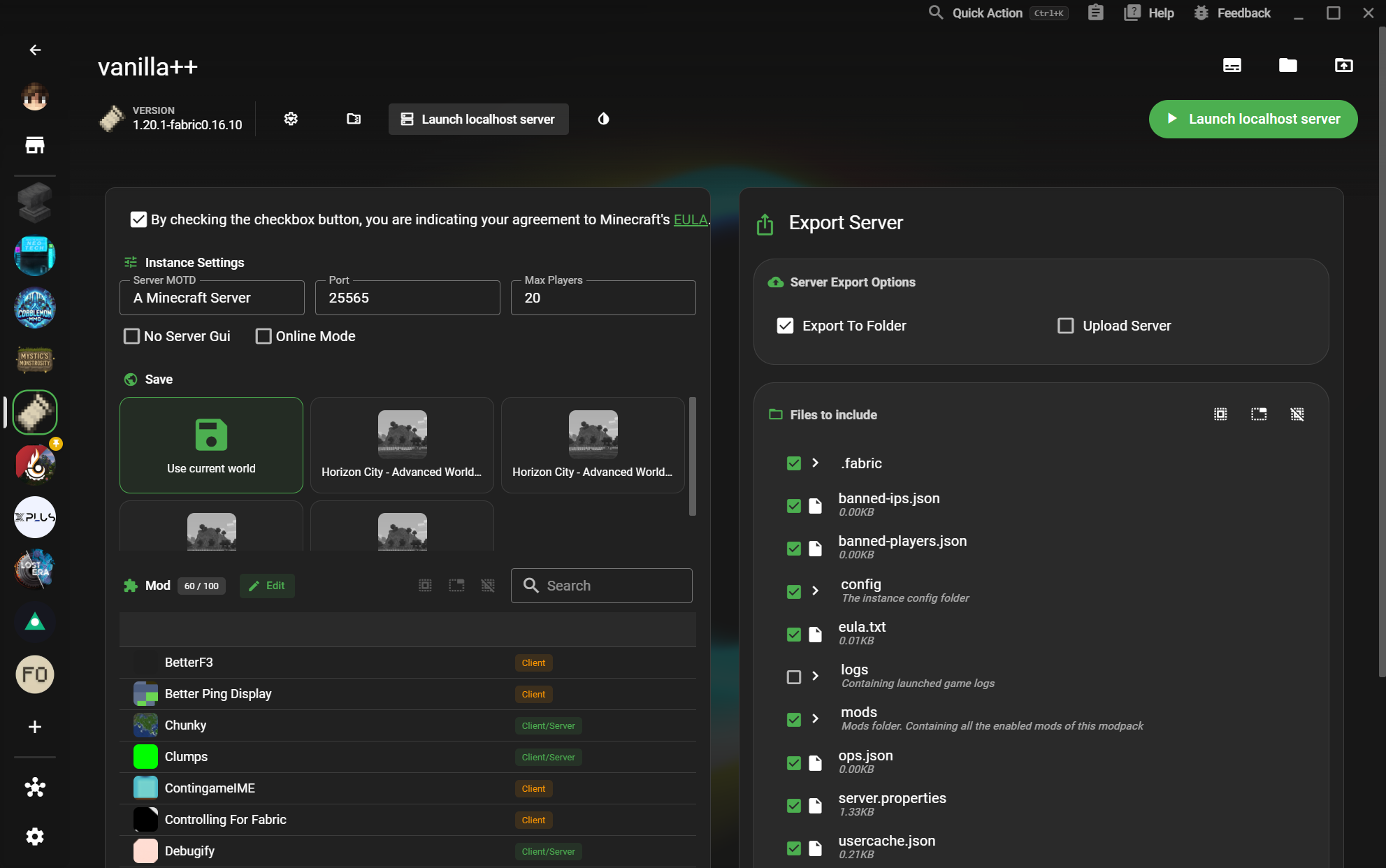
Turn an instance into a configurable local server with a world, player limit, and exportable files.
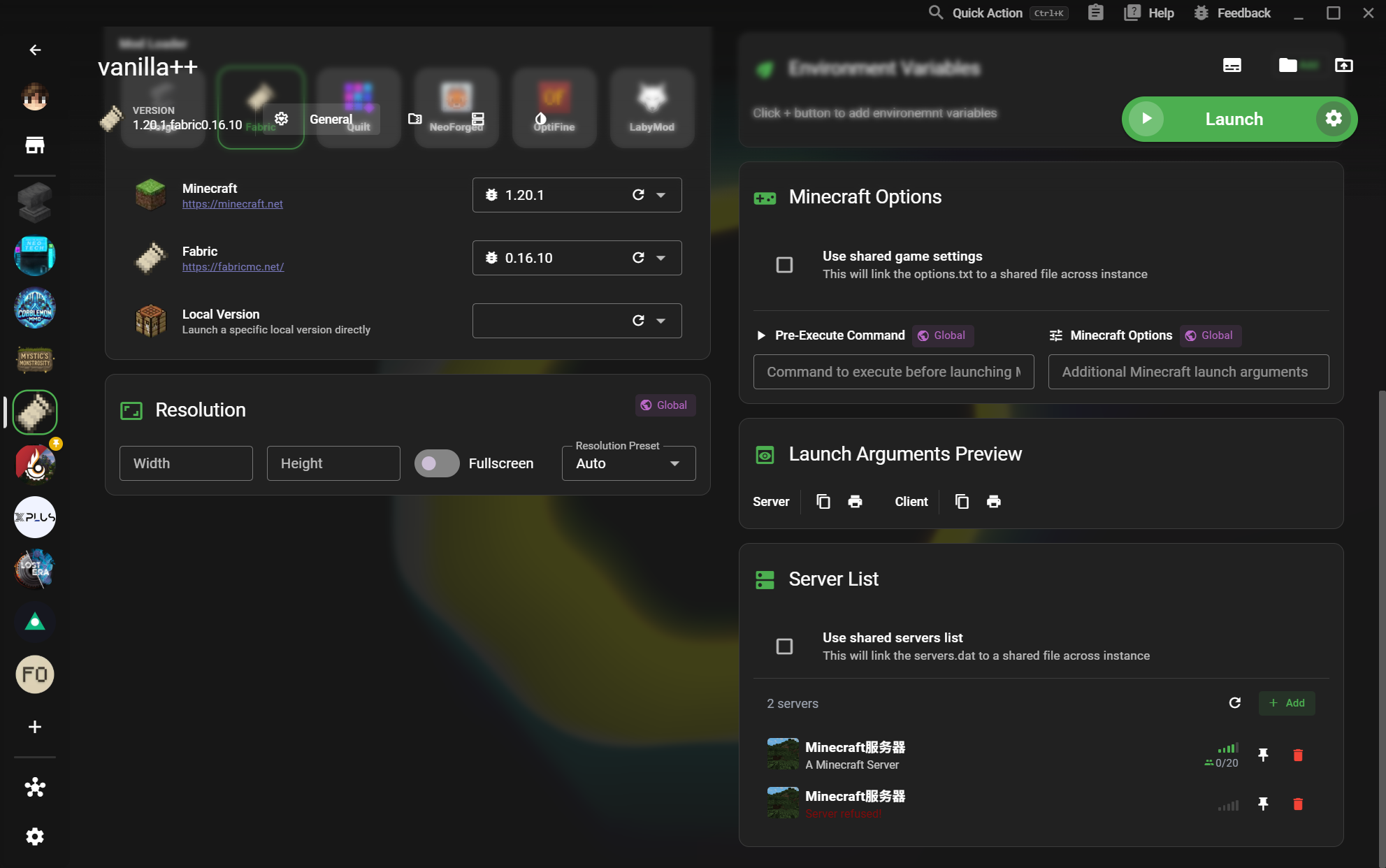
Keep multiplayer destinations close to the instance that uses them and see their connection state.
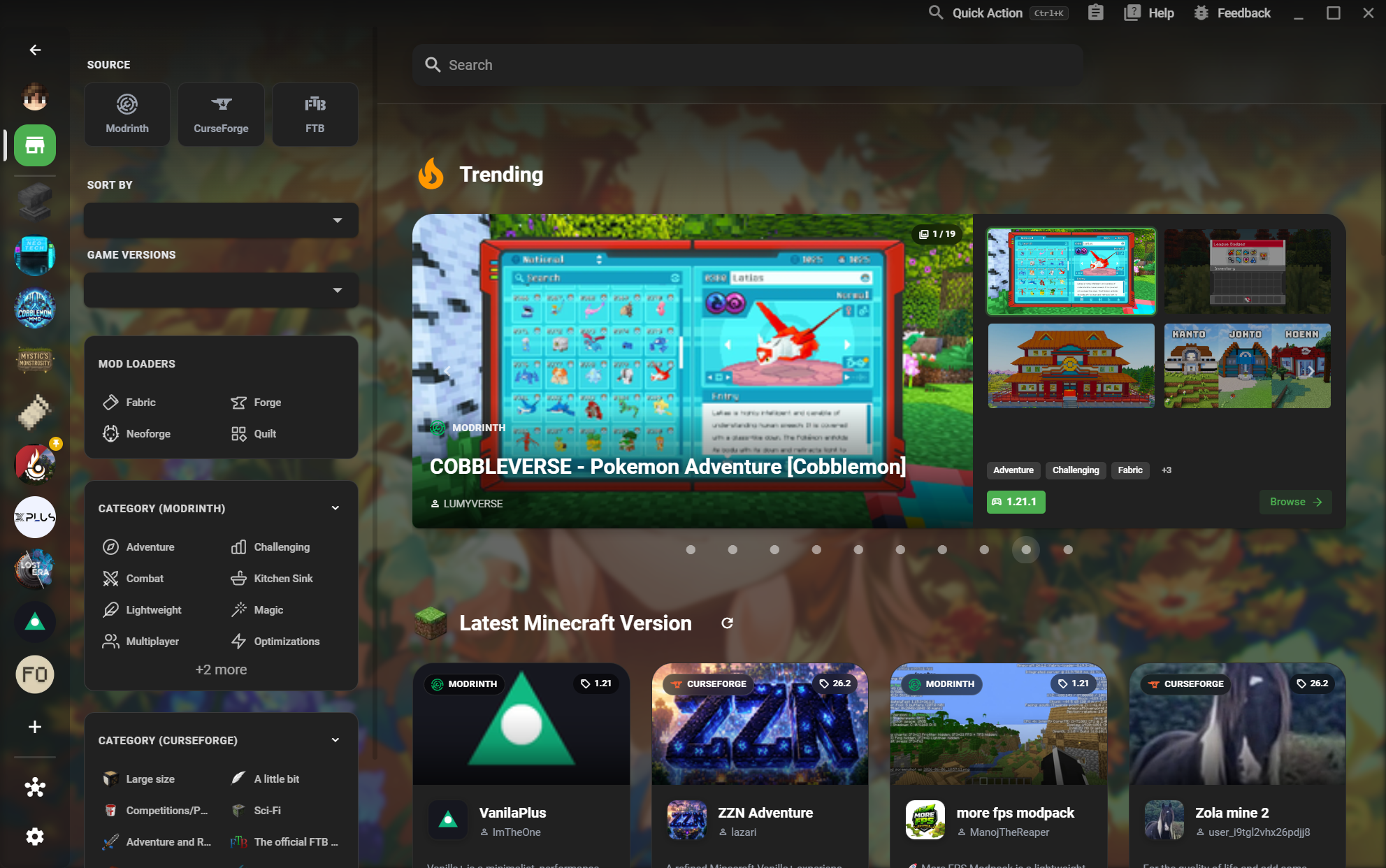
Browse Modrinth, CurseForge, and FTB content from one searchable marketplace.
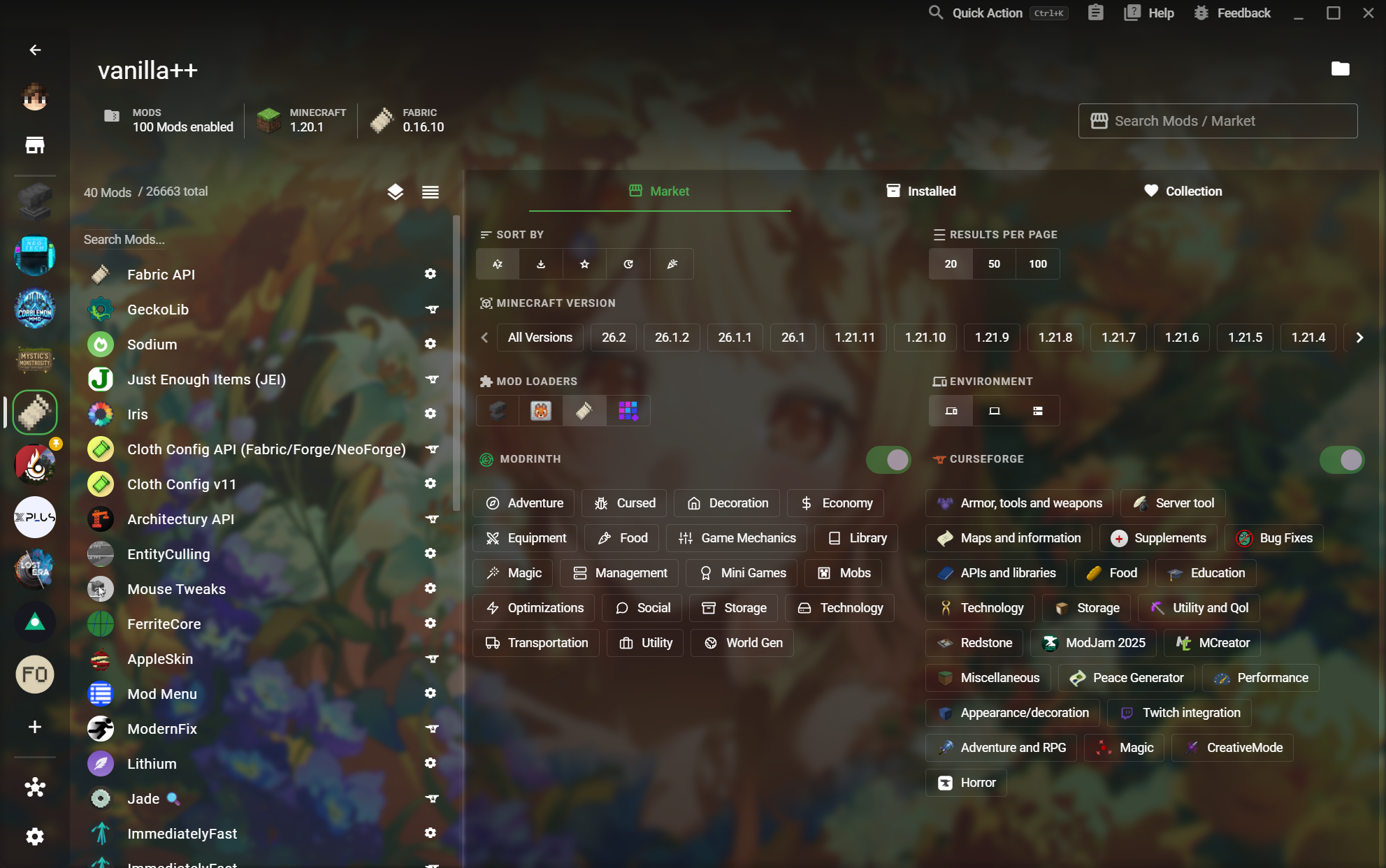
Find compatible Mods across the major community platforms before they reach your instance.
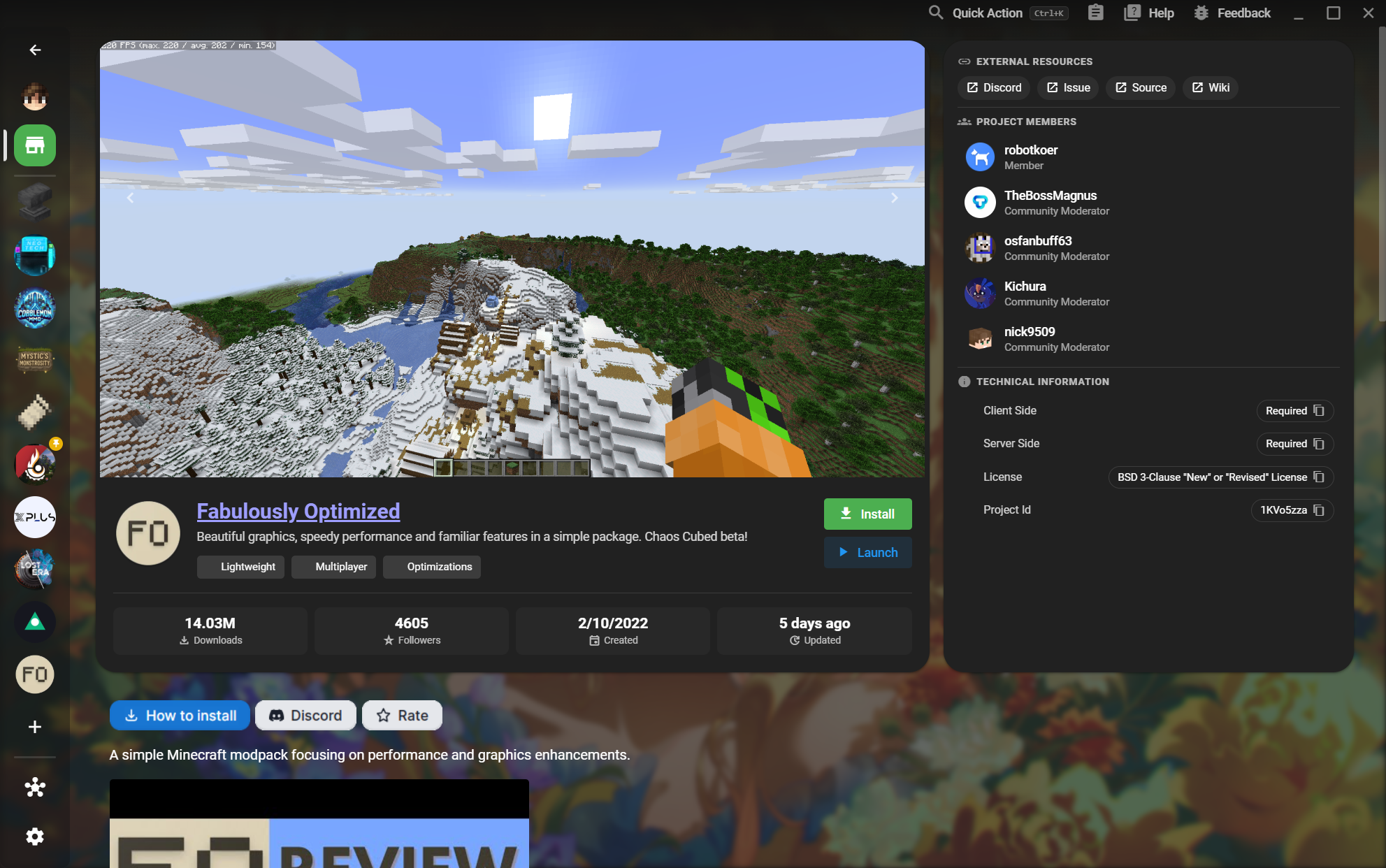
Understand a pack before installing it, from screenshots and authors to technical requirements.
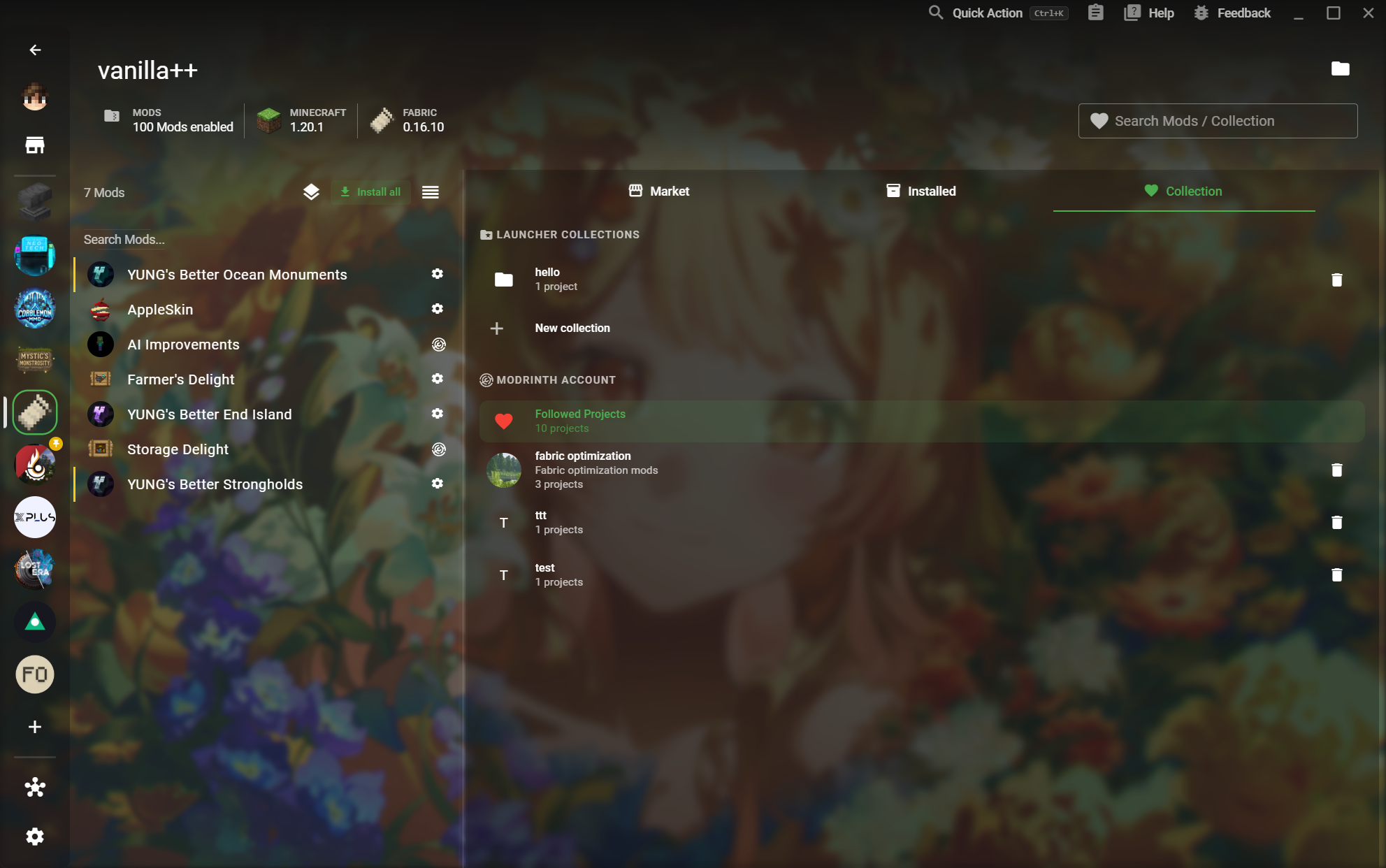
Save projects you want to revisit and turn a collection into a reusable setup.
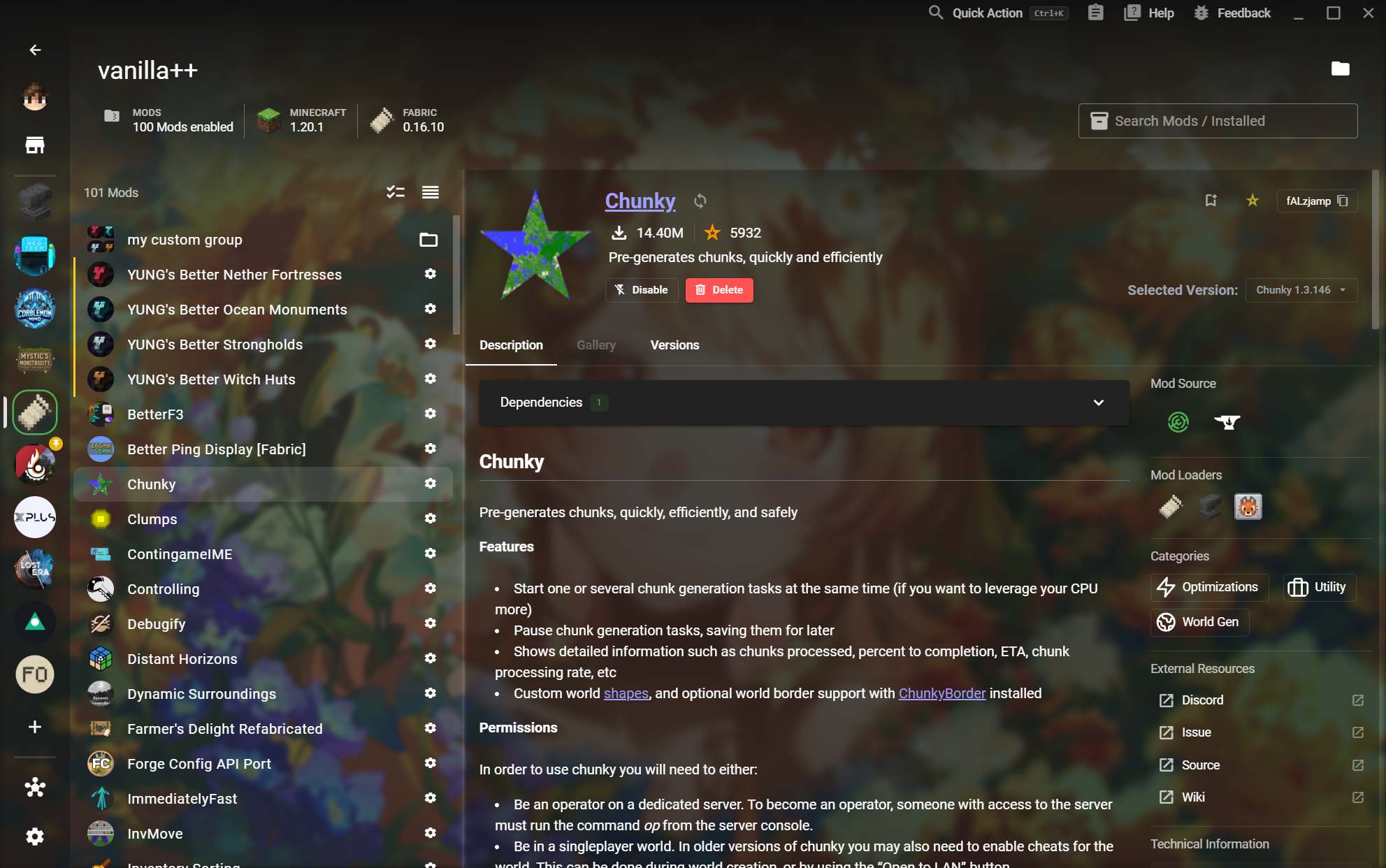
Inspect a Mod before changing your instance and understand its versions, dependencies, and sources.
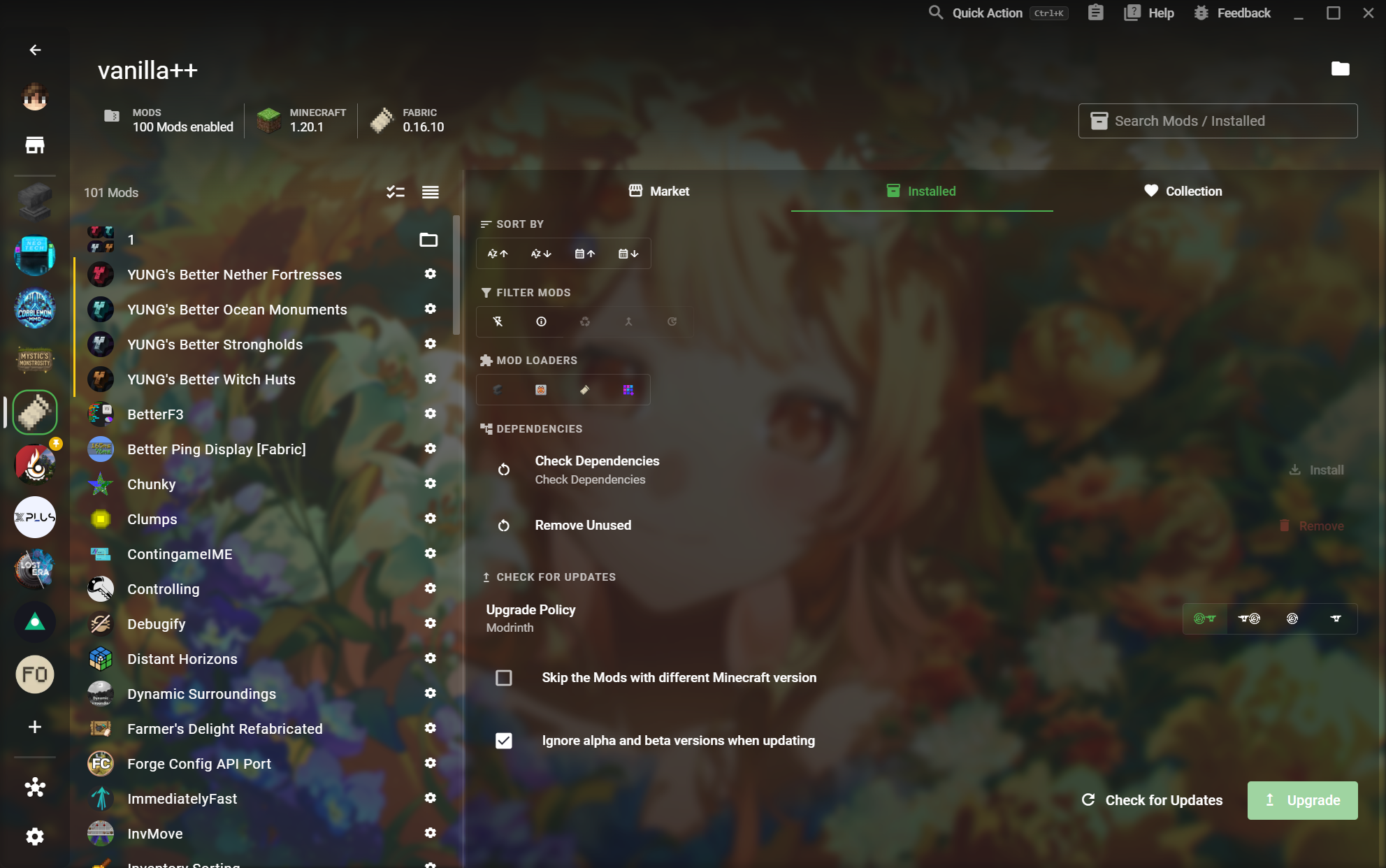
See what is enabled, filter it quickly, and keep the working set healthy.
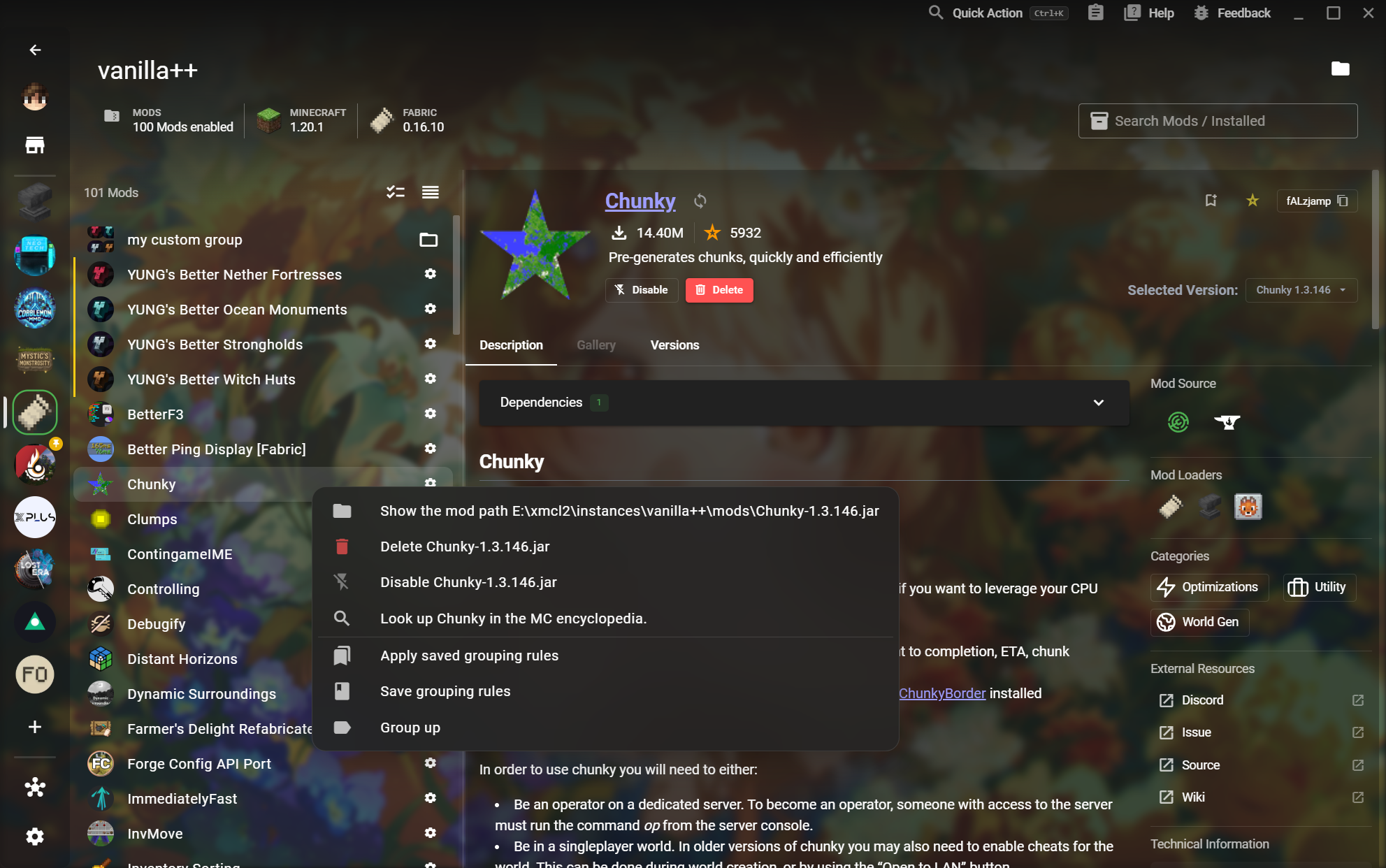
Build your own groups and save the rules that organize a complex instance.
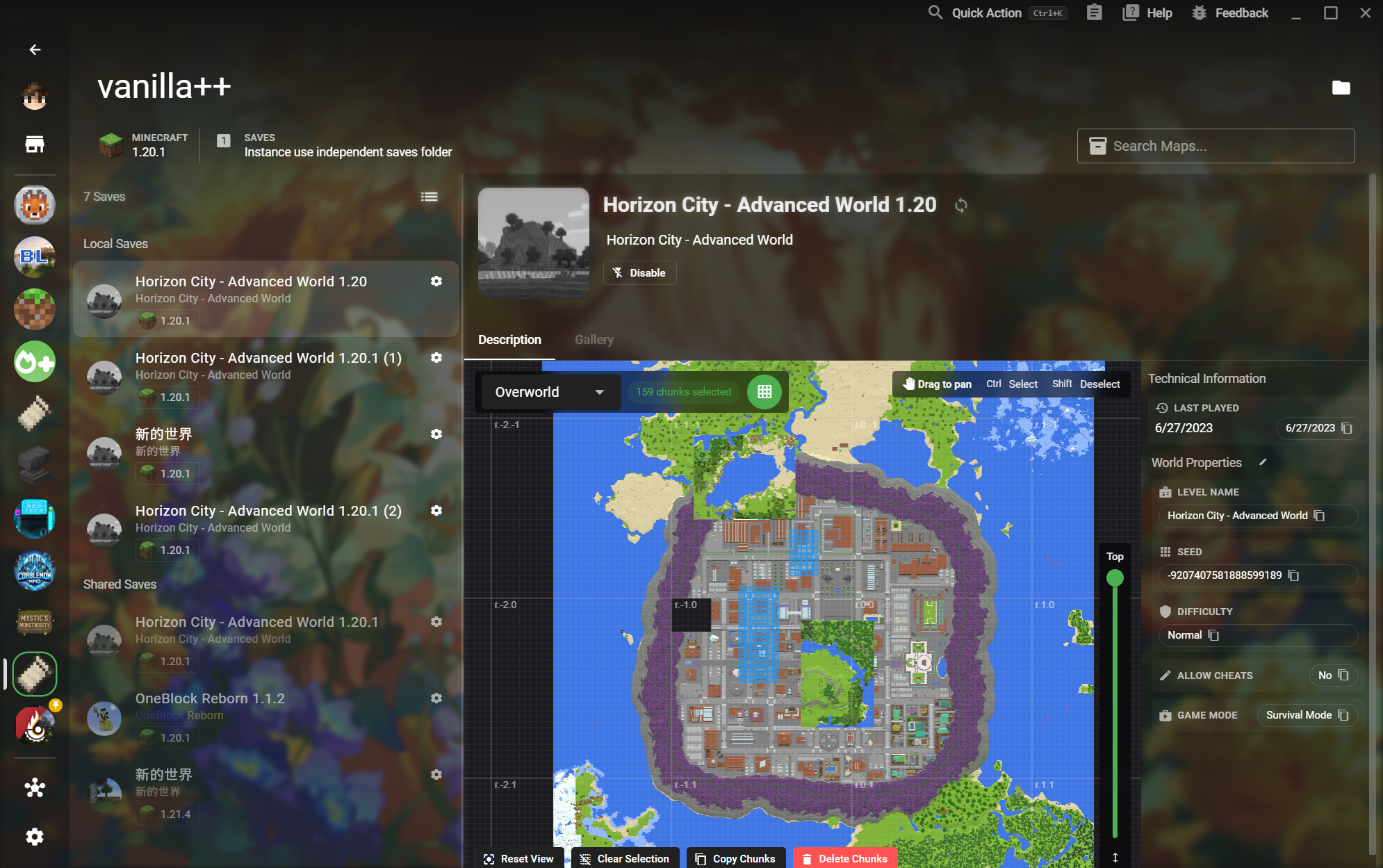
Read a world visually before launching it and make precise Chunk-level changes.
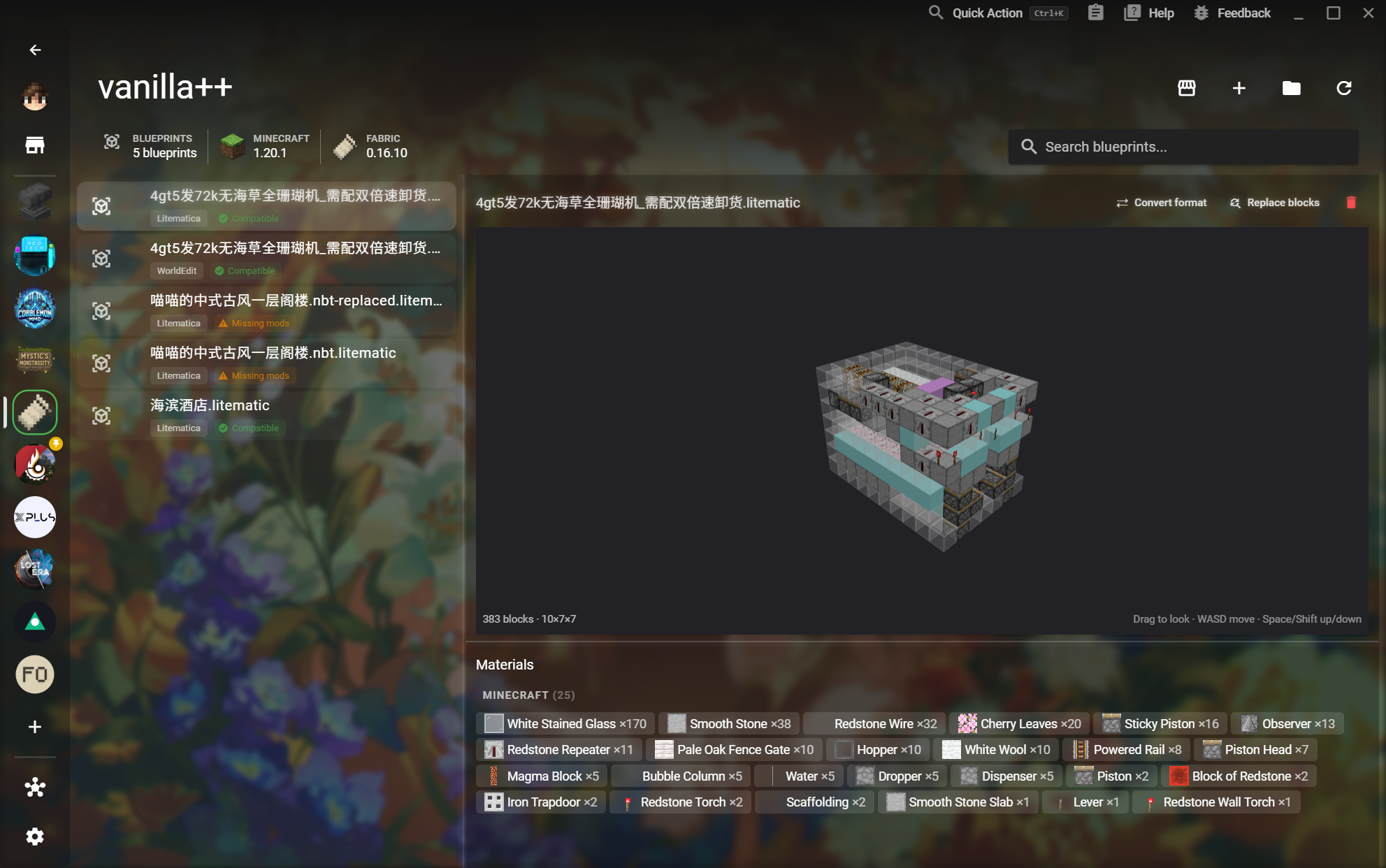
Preview a structure in 3D and verify compatibility and materials before placing it in-game.
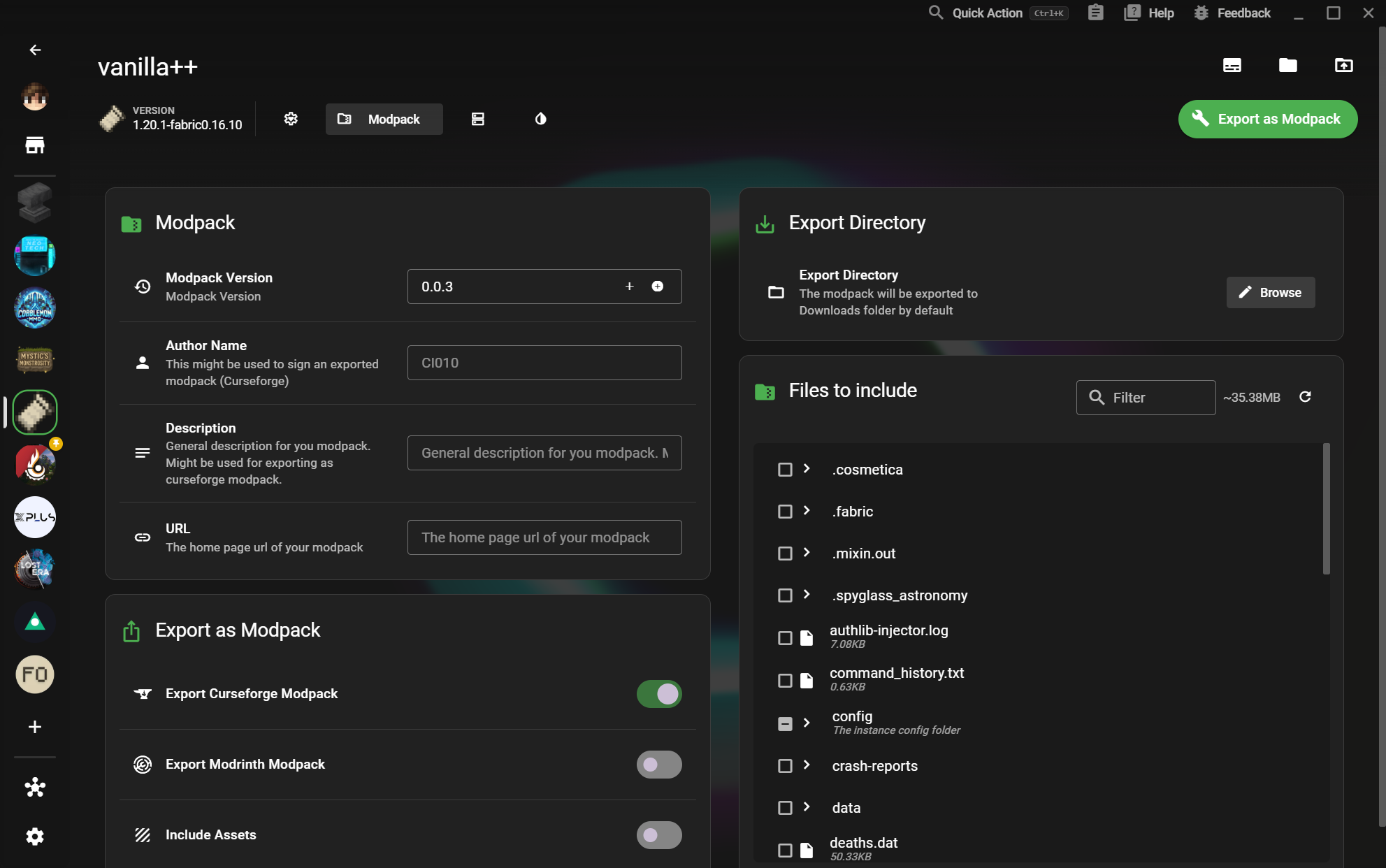
Package an instance for other players without losing the metadata and files that make it work.
Select the right world and server files, then export a local server with a clear configuration.
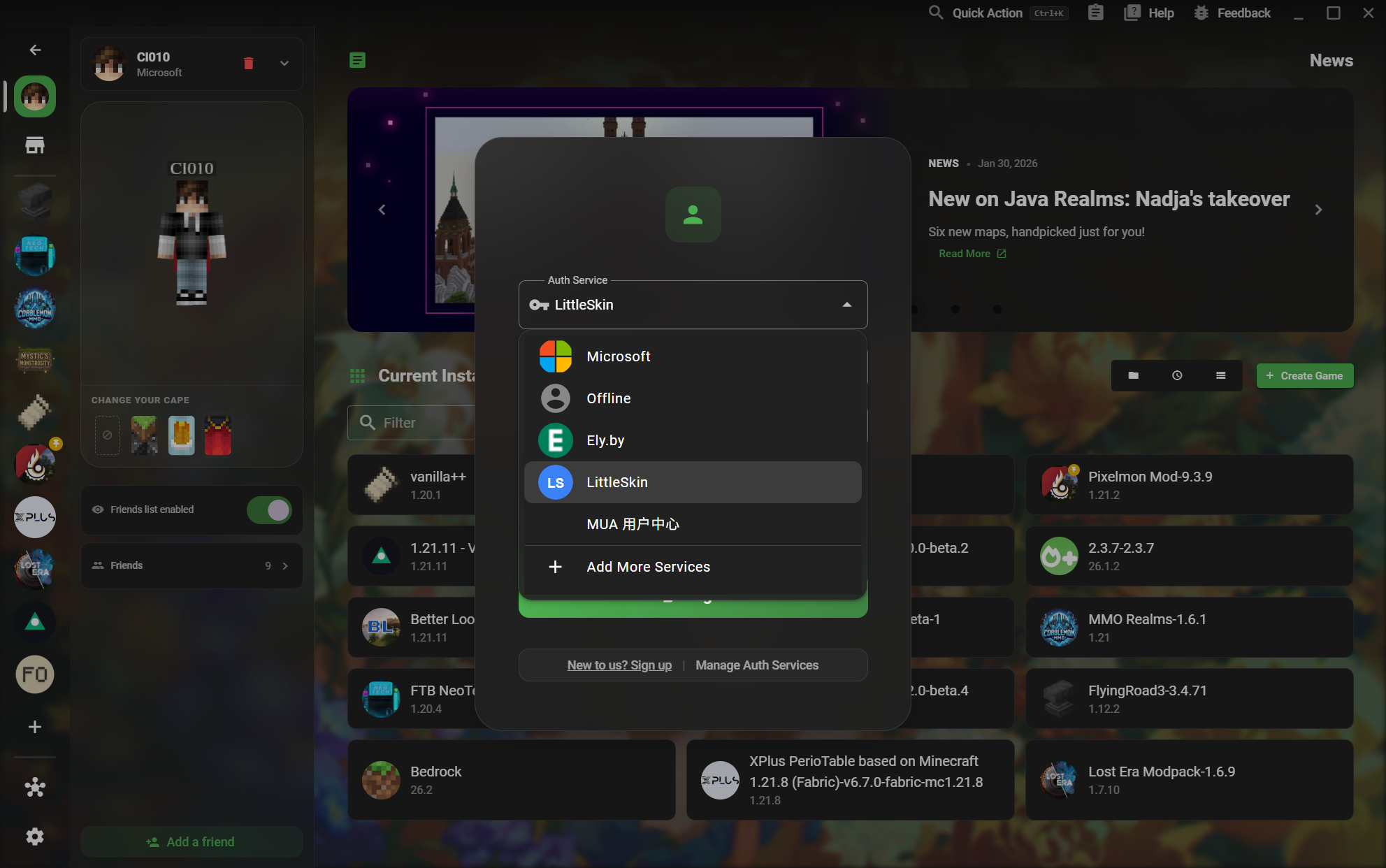
Choose the account service that matches how you play, from Microsoft to offline and third-party services.
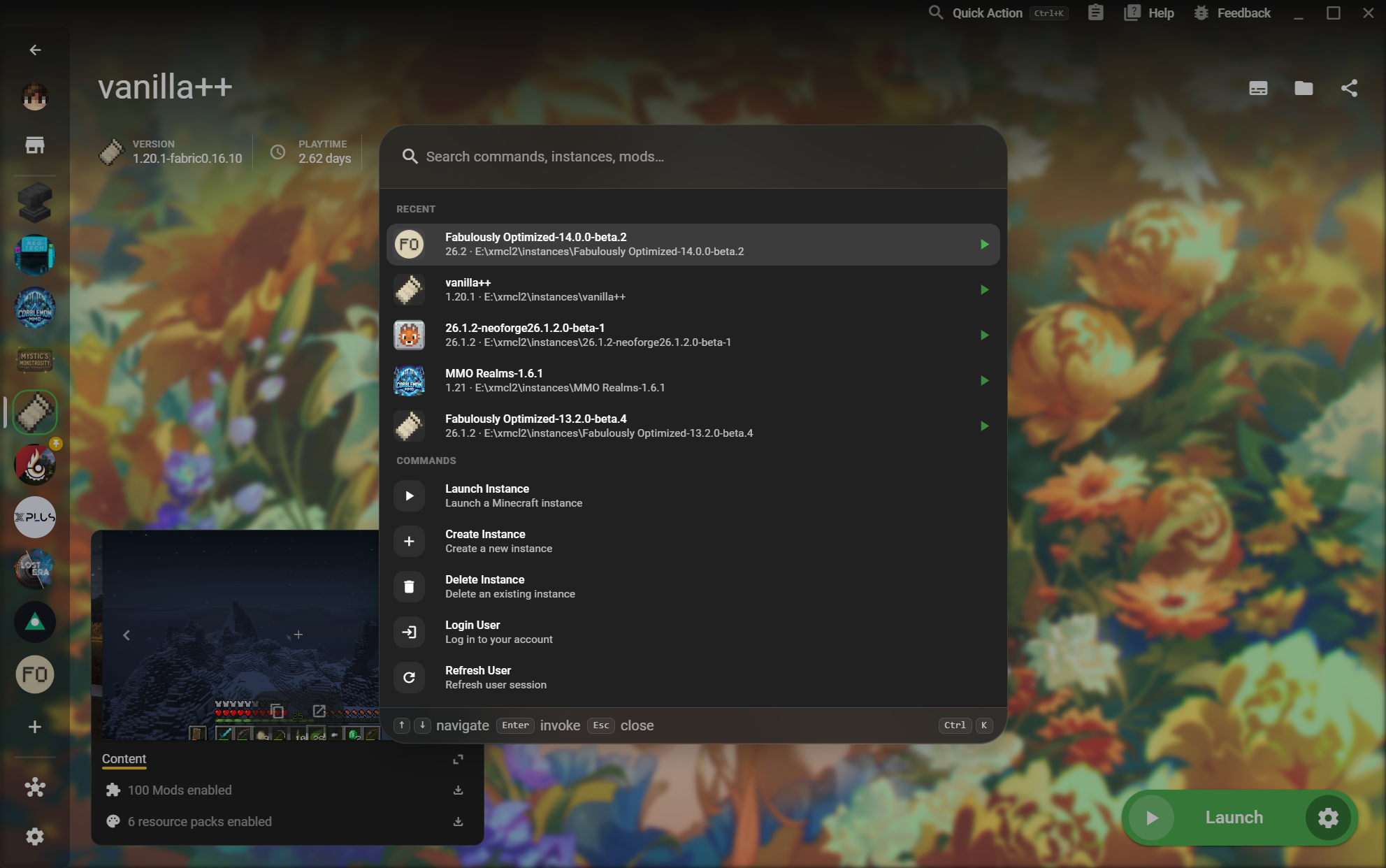
Find instances and commands without leaving the page you are working on.
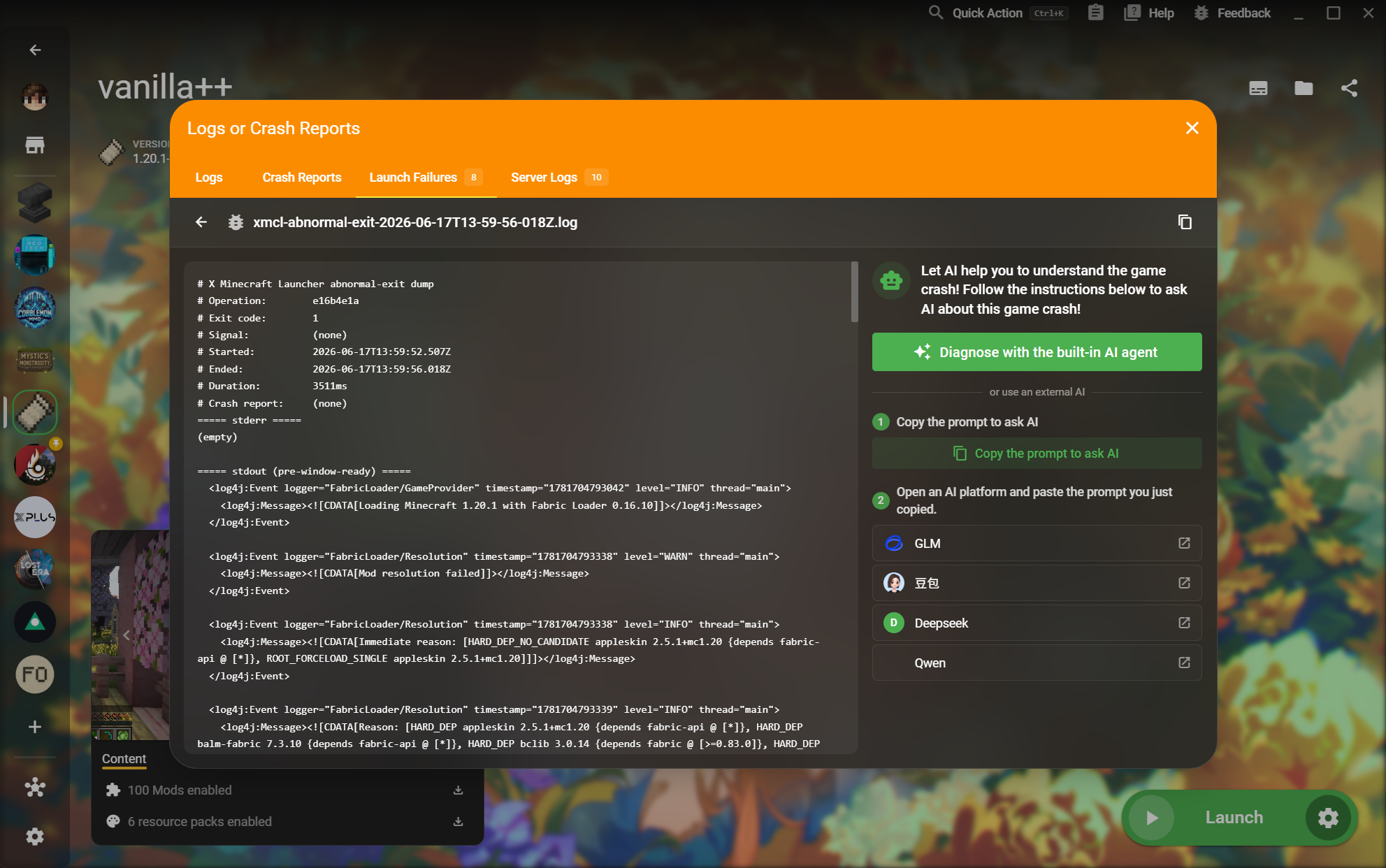
Read the actual logs, crash reports, and server output behind a failed launch.
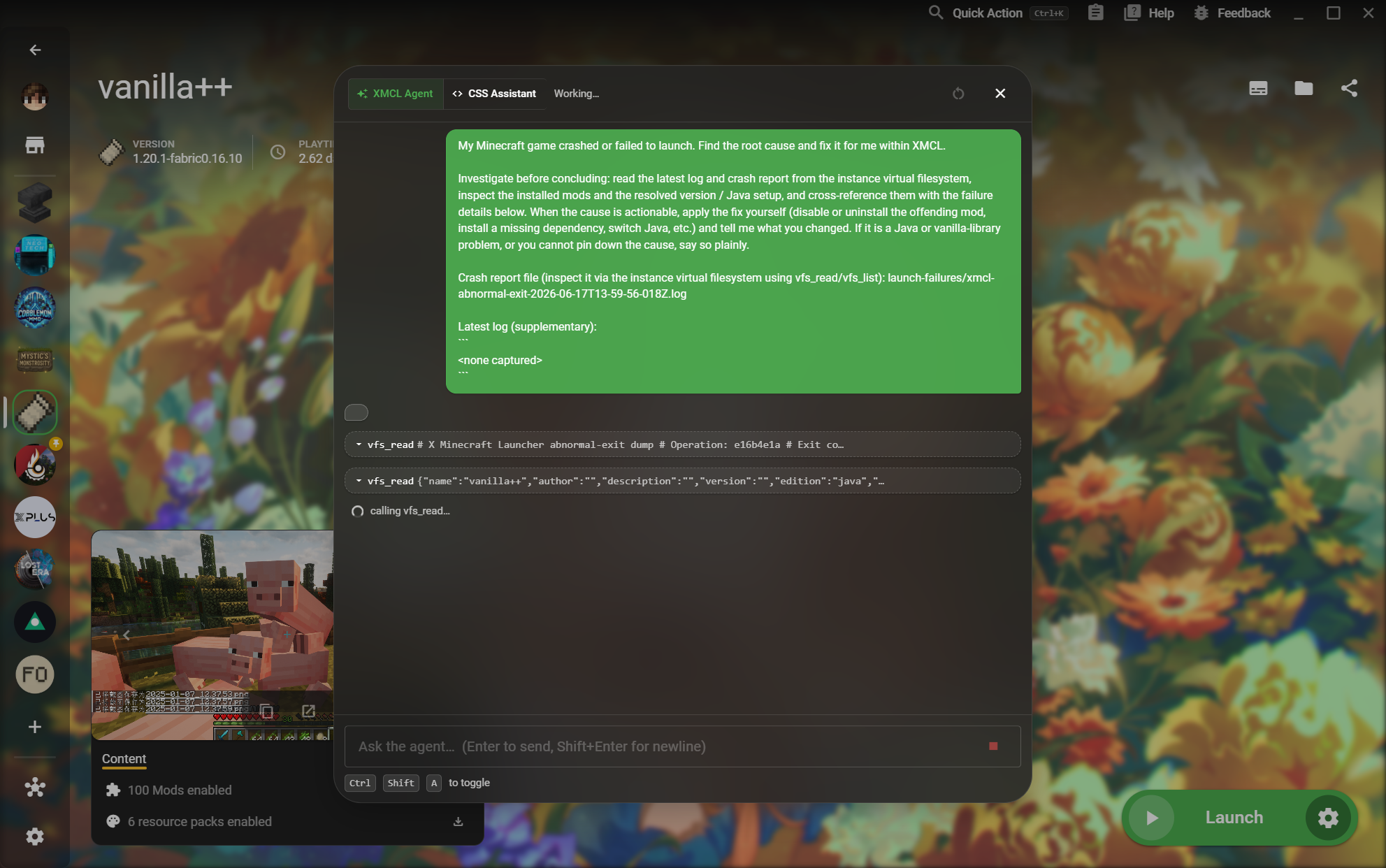
Let an agent inspect the instance virtual filesystem and explain an actionable fix.